Slack notifications when deployments succeed or fail
You can get notified either on Slack or Pagerduty when a deployed flow succeeds or fails.
Setting up Slack notifications
Follow these instructions to make deployed workflows send a message on a Slack channel when they succeed or fail.
1. Set up a Slack webhook
Follow these instructions on Slack to set up incoming webhooks for your Slack workspace.
2. Find the webhook URL
You should now have a webhook URL that Slack provides. Here is an example webhook:
https://hooks.slack.com/services/T0XXXXXXXXX/B0XXXXXXXXX/qZXXXXXX
3. Deploy with a Slack webhook
To enable notifications on Slack when your Metaflow flow running on Argo Workflows succeeds or fails, deploy it using the --notify-on-error or --notify-on-success flags, like here:
python flow.py argo-workflows create
     --notify-on-error
     --notify-on-success
     --notify-slack-webhook-url <slack-webhook-url>
To get notified by default, set an environment variable
METAFLOW_ARGO_WORKFLOWS_CREATE_NOTIFY_SLACK_WEBHOOK_URL=<slack-webhook-url>
Next time your workflow succeeds or fails on Argo Workflows, you will get a helpful notification on Slack:

Setting up PagerDuty notifications
Follow these instructions to make deployed workflows send an event to PagerDuty upon failure or success. You can hook up the event to your on-call policies.
1. Set up Events integration on PagerDuty
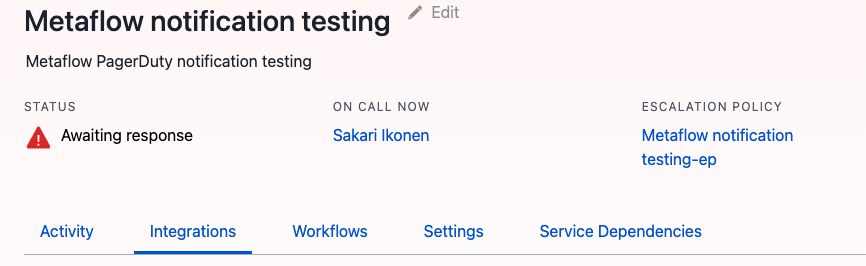
Follow these instructions on PagerDuty to set up an Events API V2 integration for your PagerDuty service:

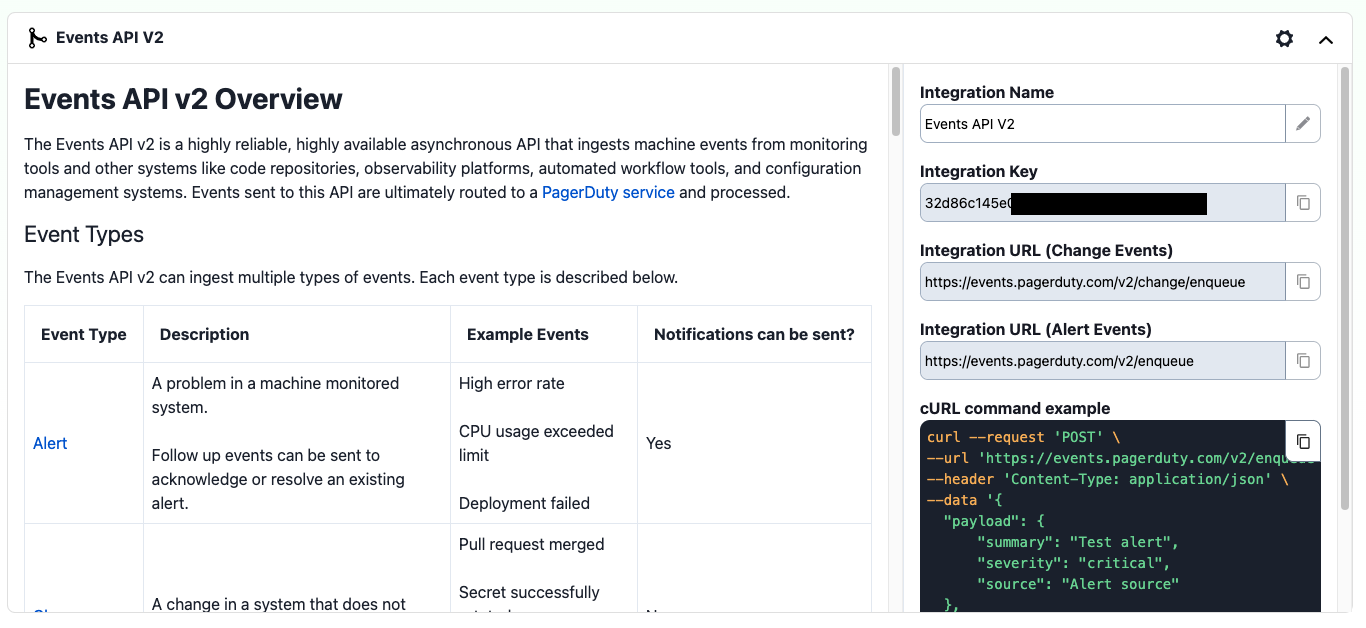
2. Find the integration key
You should be able to view the required integration key from the Events API V2 dropdown:
3. Deploy with a PagerDuty key
To enable notifications on PagerDuty when your Metaflow flow running on Argo Workflows succeeds or fails, deploy it using the --notify-on-error or --notify-on-success flags:
python flow.py argo-workflows create
    --notify-on-error
    --notify-on-success
    --notify-pager-duty-integration-key <pagerduty-integration-key>
To get notified by default, set an environment variable
METAFLOW_ARGO_WORKFLOWS_CREATE_NOTIFY_PAGER_DUTY_INTEGRATION_KEY=<pager-duty-integration-key>
Next time the flow fails or succeeds, you should receive a new event on PagerDuty under Incidents (Flow failed) or Changes (Flow succeeded).